
Sharing & Notifications: Share link defaults and notifications
The Sharing & Notifications section of Reel Settings controls your default share link options, email notification preferences, and username for personalized URLs.
Jump to: Mute notifications · Share link defaults · Username · Common questions
Mute email notifications
If you're getting too many emails when people open your reels, you can mute all notifications temporarily. This is a global setting that stops all share link notification emails until you turn it off.
To mute notifications, go to Reel Settings ▸ Sharing & Notifications and enable Mute email notifications.
 Available on the Professional plan.
Share link defaults
When you create a new share link, these settings determine the starting options. You can always change them on individual links. 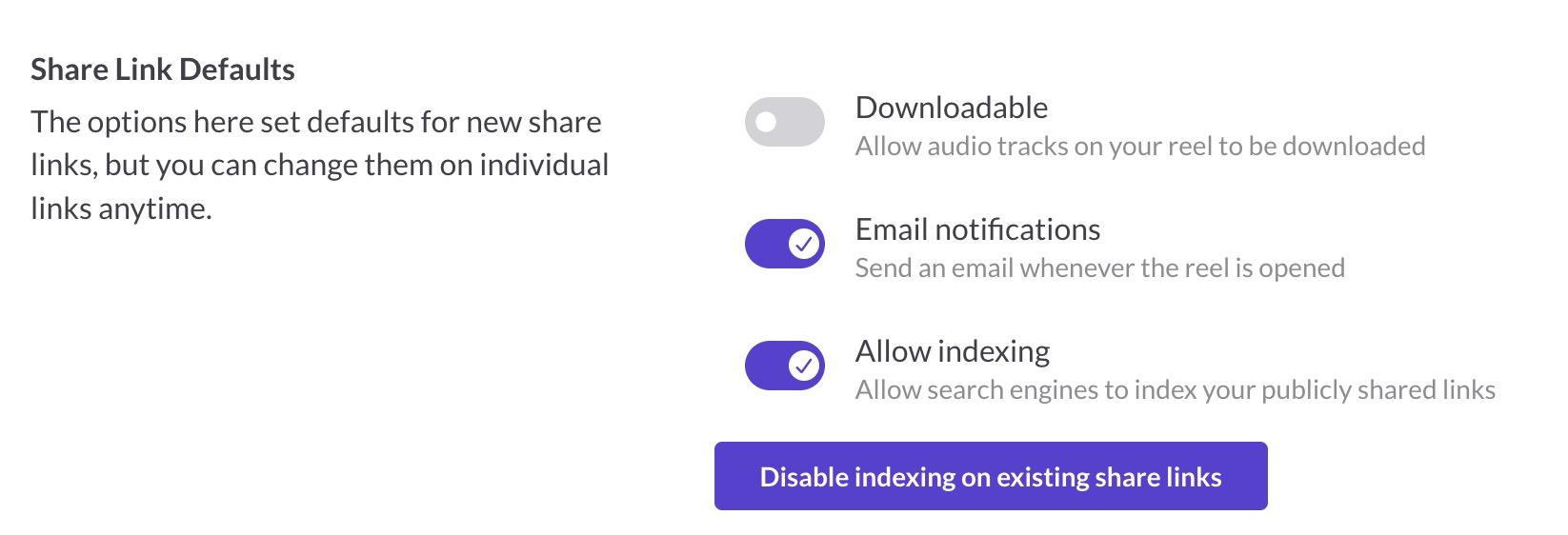
- Downloadable: Allow audio tracks on your reel to be downloaded. Off by default.
- Email notifications: Send an email whenever the reel is opened. Available on the Professional plan.
- Allow indexing: Allow search engines to index your publicly shared links. Off by default. Available on Professional plan.
Disabling indexing on existing links
If you've previously shared links with indexing enabled and want to disable it on all of them at once, click Disable indexing on existing share links. This updates all your current share links to block search engine indexing.
Available on Professional plan.
Username for personalized URLs
Your username lets you create personalized share link URLs like reelcrafter.com/yourname/reel-title instead of random characters.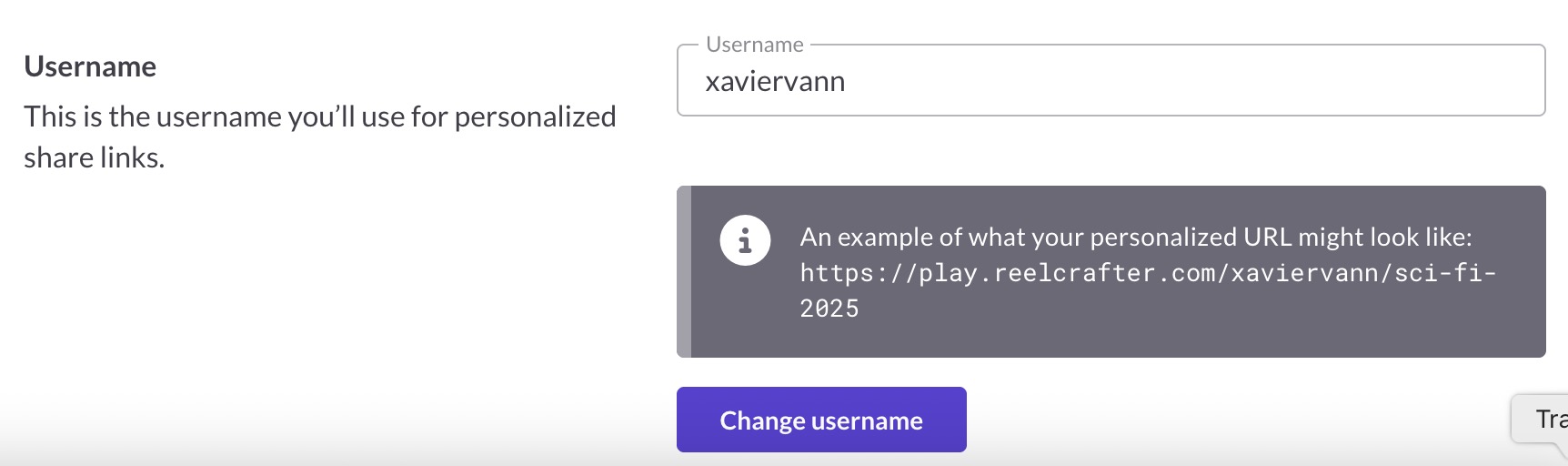
To set your username:
- Go to Reel Settings ▸ Sharing & Notifications
- Enter your desired username (letters, numbers, underscores, dots, and hyphens allowed)
- Click Set username
Once set, you can create personalized URLs when setting up share links for your reels.
Available on paid plans.
Common questions
Can I change my username later?
Yes, but be careful. Changing your username will break all personalized links you've already shared. Your old username also becomes available for anyone else to claim.
What happens if I mute notifications?
You'll stop receiving emails when people open your reels. Your tracking data still records normally, so you can see who opened what in your dashboard. You just won't get the email alerts.
Do share link defaults affect existing links?
No. These defaults only apply to new share links you create. Existing links keep their current settings unless you change them individually.