
Design Defaults: Templates, colors, and display options
The Design Defaults section of Reel Settings controls how new reels look when you create them. You can set a default template, color palette, display options, logo, and headshot.
Jump to: Default template · Color palette · Display options · Logo and headshot · Common questions
Default template
Available on Professional plan.
If you've saved reel templates, you can choose one as your default. New reels will start with that template's theme settings, block order, and visibility settings.
To set a default template, go to Reel Settings ▸ Design Defaults and select a template from the picker.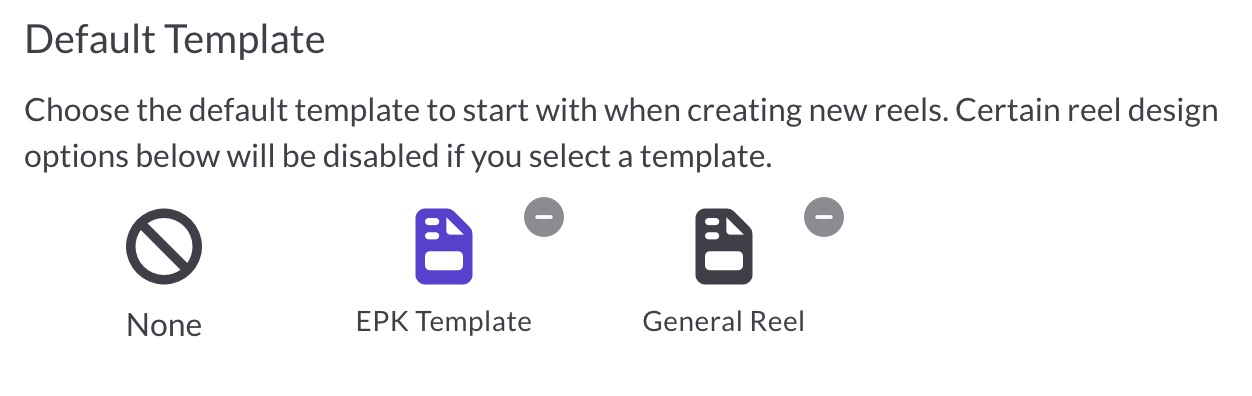
When a template is selected, the color palette and display options below are disabled since the template controls those settings.
Default color palette
The color palette controls the visual style of your reels. You can set defaults for four colors:
- Primary: Used for buttons, the waveform, and other accents
- Background: The main background color of your reel
- Text: The color of body text
- Link: The color of clickable links
 Click any color swatch to open the color picker and choose a new color. Changes apply to new reels you create.
Default display options
Display options control which elements are visible by default when you create a new reel:
- Show title block: Start new reels with the title block visible
- Show logo block: Start new reels with the logo block visible
- Show biography block: Start new reels with the biography block visible
- Show waveforms in audio player: Display waveforms in the audio player
- Show lyrics: Show lyrics (if available) by default
 These are just starting points. You can always show or hide blocks on individual reels.
Logo and headshot
Your default logo and headshot images are also set in Design Defaults. These pre-populate the Logo and Biography blocks on new reels.
For detailed instructions, see:
Common questions
Why are color and display options disabled?
If you've selected a default template, the template controls those settings. To edit colors and display options directly, remove the default template by clicking the X on the selected template.
Do these settings affect existing reels?
No. Design defaults only apply to new reels you create. Existing reels keep their current settings. The exception is your logo and headshot images, which update on all reels using the default.
Can I override these settings on individual reels?
Yes. When editing a reel, you can change the theme colors in Theme Settings, show or hide any block, and override the logo or headshot with different images.